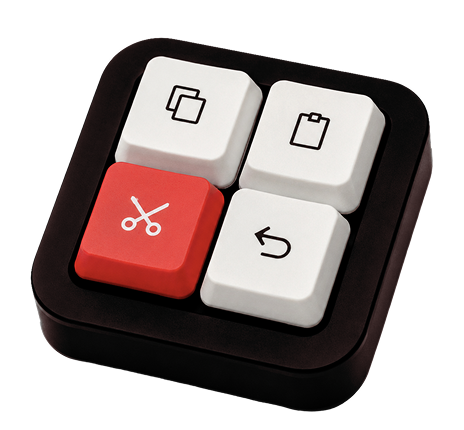
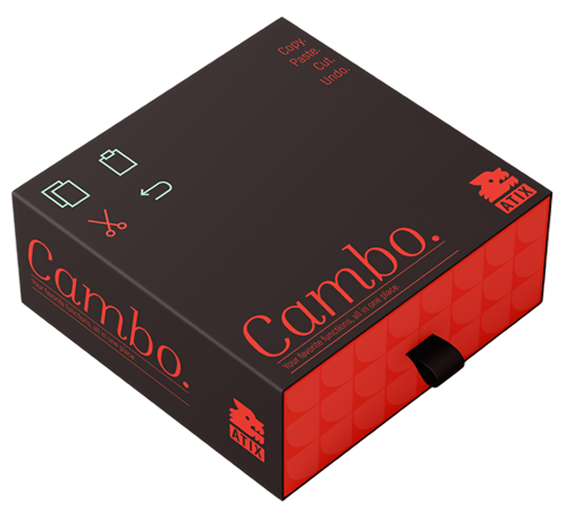
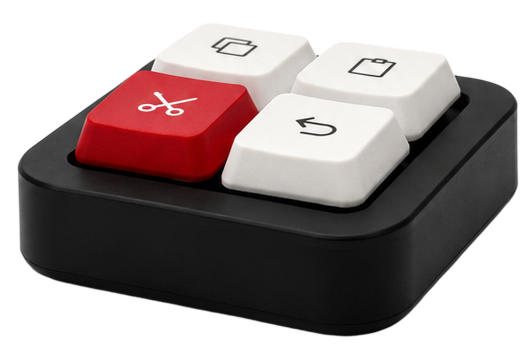
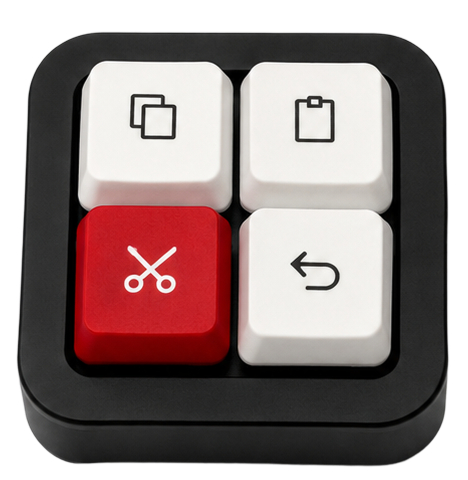
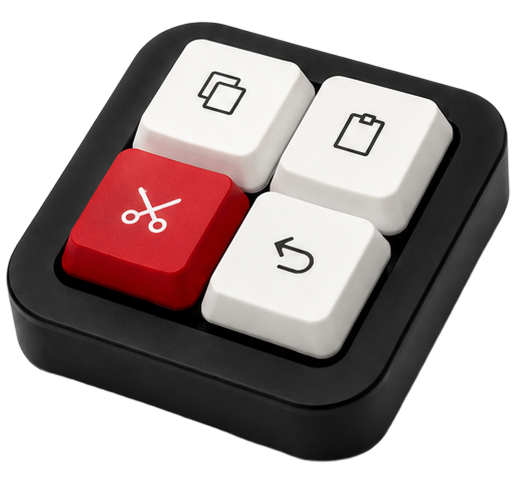
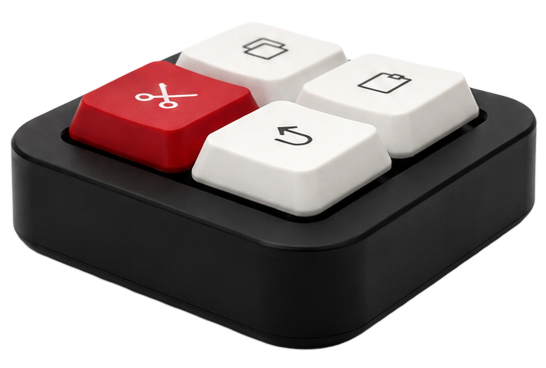
A minimalist shortcut keypad built for graphic designers who live in tools like Photoshop, Illustrator, Figma, and beyond.
"I didn't realize how much time I lost tabbing between menus until I stopped doing it. Cambo paid for itself in a week."
"Plug-and-play was not marketing fluff — it worked the second I plugged it in. No drivers, no software install."
"Small enough to sit next to my tablet without crowding my desk, but the keys feel great to hit blind."
Designers shouldn’t lose flow to repetitive shortcuts.
Copy Anything.
Build faster creative flow state
Paste Anywhere.
Speed up edits, revisions, and iterations
Cut Out The Crap.
Reduce repetitive keyboard interruptions
Undo Your Mistakes.
Stay focused inside your design canvas
Or create combos that trigger actions. Ex.
+
+
=
Multi-format export
Cambo.
$79.99
No setup, plug-and-play
1-year warranty
Free shipping in the US
asgsgasg
See all the specifications and features for Cambo!
"The combo feature is the real sleeper hit — I mapped copy+paste+undo to one tap for exporting my files in three formats. Genuinely changed my workflow."
Every Angle, Every Detail.
Cambo is machined from matte PBT keycaps with a weighted, non-slip base — built to survive years on your desk.
Matte PBT Keycaps
Won't shine, yellow, or wear smooth after months of daily cutting, copying, and pasting.
Weighted Non-Slip Base
Solid enough to stay put during fast combo presses, no sliding across your desk mid-edit.
Hot-Swappable Switches
Prefer a heavier click or a silent switch? Swap it in seconds, no soldering required.
Built For How You Actually Work
Graphic Designers
Stay inside Photoshop and Illustrator without breaking focus to hit Ctrl+C fifty times a day.
Video Editors
Cut, undo, and paste clips faster than reaching for a trackpad shortcut.
UI/UX Designers
Iterate in Figma at the speed you think, not the speed you can type.
Writers & Editors
Map combos to your most-used formatting shortcuts across Word, Docs, or Notion.
"The combo feature is the real sleeper hit — I mapped copy+paste+undo to one tap for exporting my files in three formats. Genuinely changed my workflow."
How It Works / Setup
Weighted Non-Slip Base
Plug Cambo into any USB-C port
Open the free configurator (or skip it — defaults work out of the box)
Start cutting, copying, pasting, and undoing without touching your keyboard
Why Designers Are Switching
Keyboard shortcuts require memorizing dozens of combinations and breaking hand position every time you reach for them. Generic macro pads help, but come with clunky setup and unlabeled keys. Cambo skips both problems — it's built for the four actions designers use most, clearly labeled, and ready the second you plug it in.
Stop Breaking Your workflow.
Join thousands of designers who cut their repetitive shortcuts down to one tap.
"The combo feature is the real sleeper hit — I mapped copy+paste+undo to one tap for exporting my files in three formats. Genuinely changed my workflow."