Exploring AI Across Workflows

Practical ways teams can use AI to reduce friction and raise the bar.

AI Tools Behind My Apps & Creative Work

AI Tools

I've been intentional about exploring AI not just as a productivity shortcut, but as a creative partner — one that changes what's actually buildable. This section of my portfolio reflects that ongoing curiosity, and the workflows, products, and possibilities that come out of it.

Social Ad Copy Generator

This AI-powered ideation tool transforms a simple prompt into a visual map of messaging angles, value propositions, and creative concepts, helping teams generate ideas faster and explore stronger campaign directions.

AI: Groq + Claude

App: Figma Make

* Number of prompts are currently subject to usage limits due to the application's use of Groq's free-tier service

AI Empowered Feedback

This tool streamlines creative reviews by enabling clients to comment directly on assets and web pages. AI transforms vague feedback into clear, actionable direction, reducing revision cycles and improving collaboration. Integrated project management keeps assets, approvals, and project history organized in one place.

AI: Groq, Gemini + Claude

App: Figma Make > Dyad

Other Tools: Supabase + Vercel

* This project was developed during my tenure at a previous agency. As the work remains the property of that organization, I no longer have access to the original files or platform.

Creative Scope Calculator

This planning tool helps teams align creative requests with available production capacity by calculating how many assets can be produced within available design hours, improving resource planning, scope management, and profitability.

AI: Claude

App: Figma Make

Storyboard Generator

This tool speeds up pre-production by using AI to turn written scene descriptions into visual storyboard sketches. Teams can quickly visualize concepts, sequences, and narrative flow, reducing time spent on manual sketching and allowing more focus on refining ideas, gathering feedback, and moving projects into production faster.

AI: Gemini + Claude

App: Figma Make

* Number of prompts are currently subject to usage limits due to the application's use of Gemini's free-tier service

** This is still a work in progress as some features need fine-tuning

AI Creative

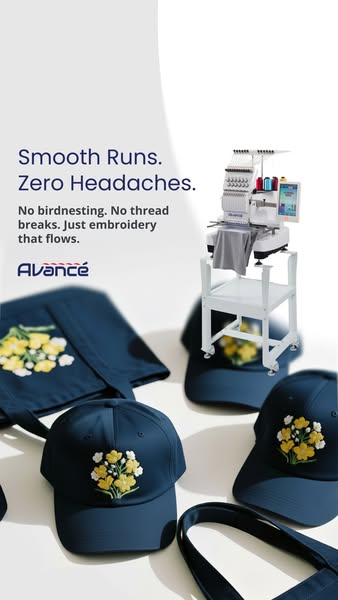
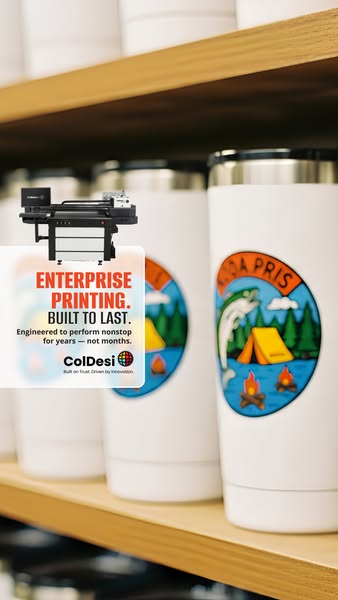
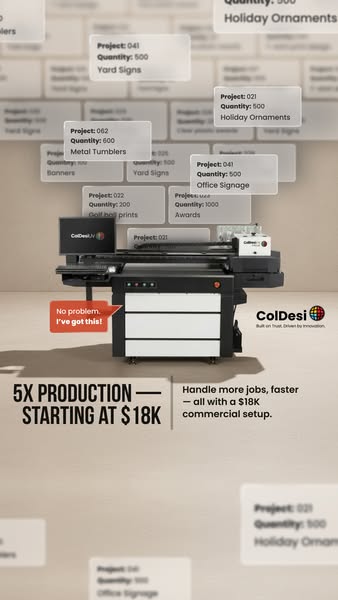
Though I have created an extensive amount of AI videos, here are just a few examples of AI within the creative process.
AI was used to create:
  • Product mockup image
  • Voice over
  • Product environment scenes
  • Script
AI was used to create:
  • Product mockup used to create image first
  • Live action scenes created from image
AI was used to create:
  • Product mockup used to create image first
  • Live action scenes created from image
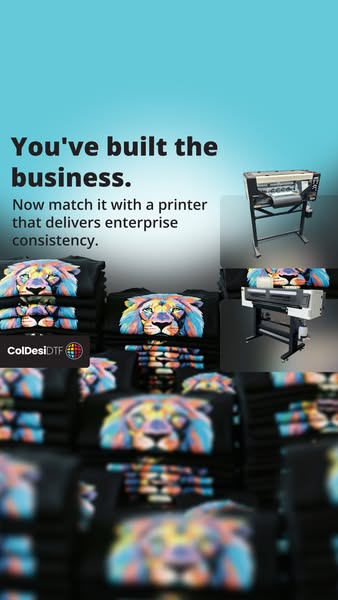
AI was used to create:
  • Product mockups: cups, hats, shirts
  • Scene creation: the stack of shirts, layout of products, etc.

AI Fits Into Every Step of The Workflow

The teams getting the most out of AI aren't using it at the end — they're weaving it through the entire process. That's where the real performance gains and creative breakthroughs happen.
Discovery
Sales, client meetings, requirements gathering, research
  • Meeting transcription
  • Research
  • Competitive analysis
  • Persona research and generation
Strategy
Goals, audience, messaging, creative brief, planning
  • Audience analysis
  • Messaging generation
  • Brief writing
  • Scope calculation
  • Ad concept mapping
Creation
Concepting, copywriting, design, production
  • Image generation
  • Video production
  • Voiceover / Music
  • Storyboarding
  • Copywriting
Validate
Internal review, client presentation, feedback collection
  • Feedback
  • Project management
  • Usability testing
  • Sentiment analysis
Optimization
Revisions, optimization, approvals, QA
  • Performance analysis
  • Copy refinement
  • Fatigue detection
  • Auto-resizing for formats
Delivery
Final files, implementation, reporting, ongoing support
  • Presentation generation
  • Report summarization
  • Asset organization

What Did I Learn

  • AI works best when you treat it like a collaborator, not a shortcut.
  • Speed is the obvious gain with AI, but it also provides clarity of thinking.
  • AI doesn't replace creative judgment — it stress tests it and pushes for a more thorough output.
  • The tools are evolving faster than the workflows around them. So it's important to stay on top of your AI options.
  • Building with AI taught me more about my own process than I expected and strengthened my problem-solving skills.

Interested in working together?