Conversion-First Landing Pages

Designs

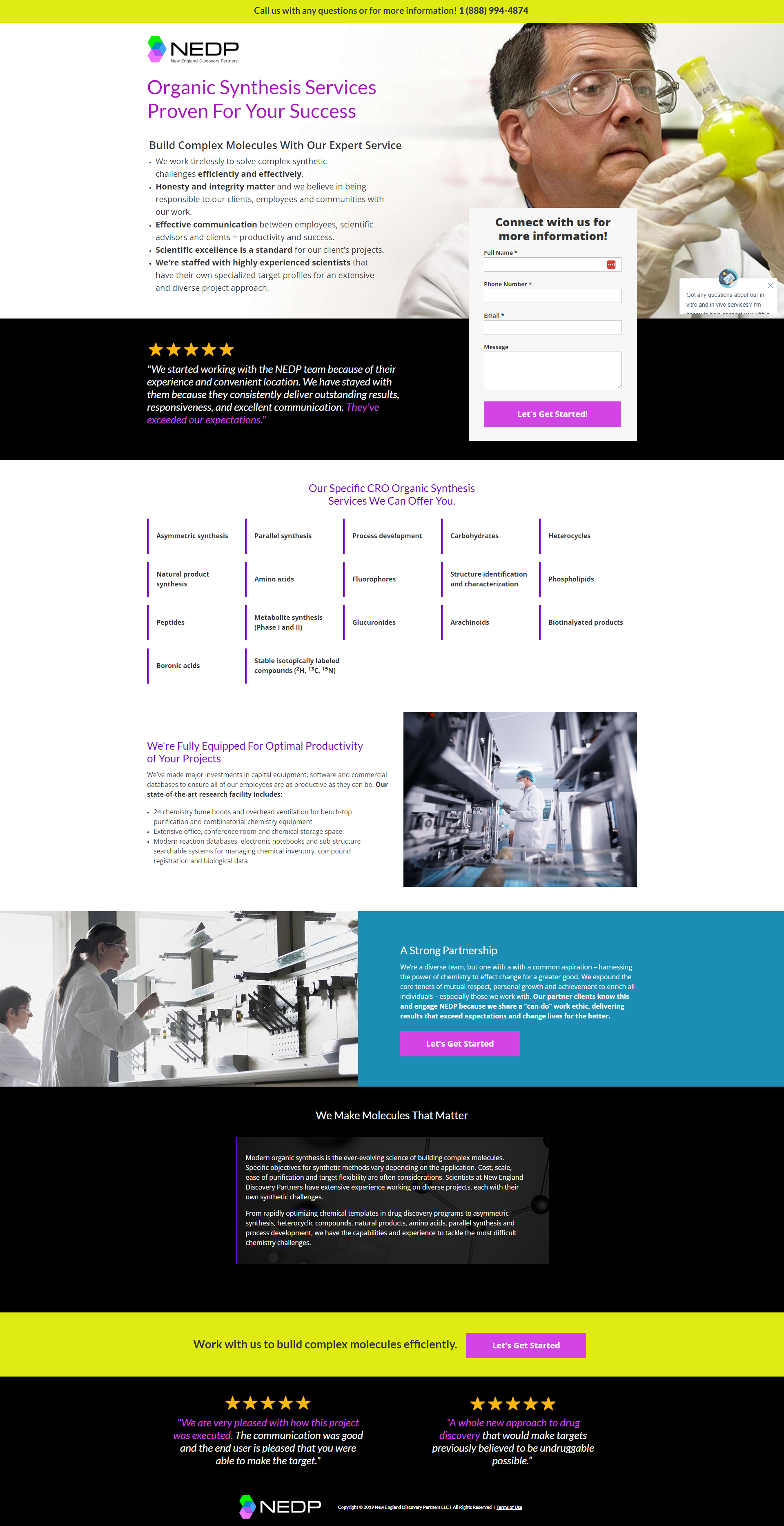
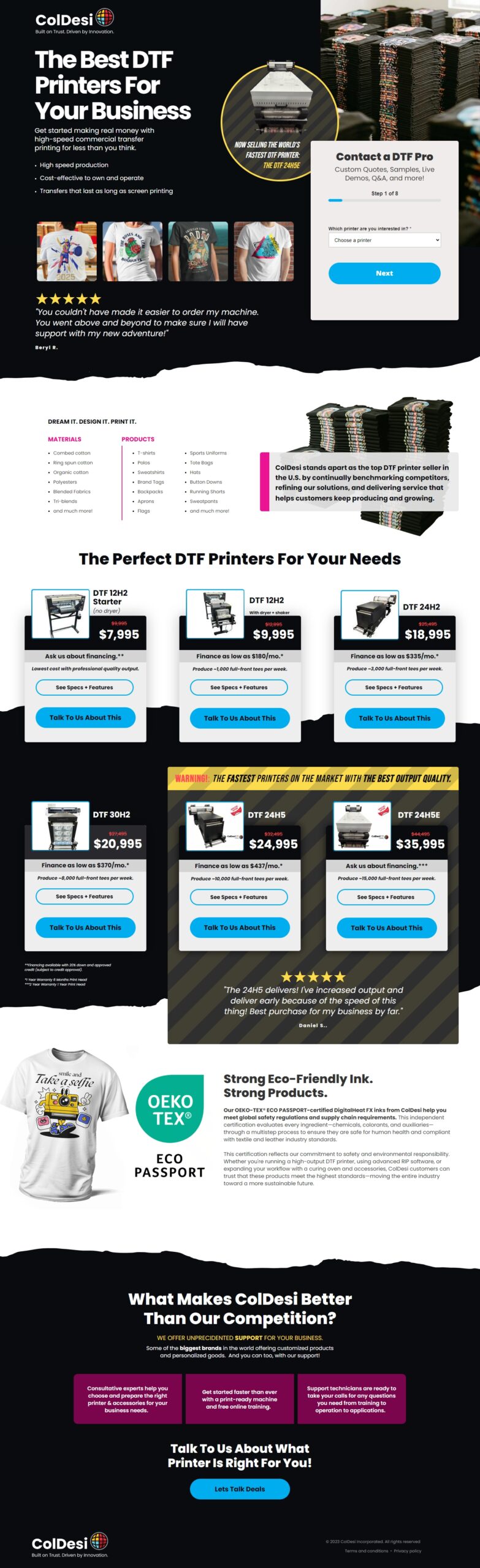
Every page starts with one question: what does this visitor need to see, feel, and believe before they'll act. Testing shaped the fundamentals — form placement near the fold, no site navigation — and the designs follow from there.

Lead Gen

B2B
SaaS

Commercial Printers
Lead Gen
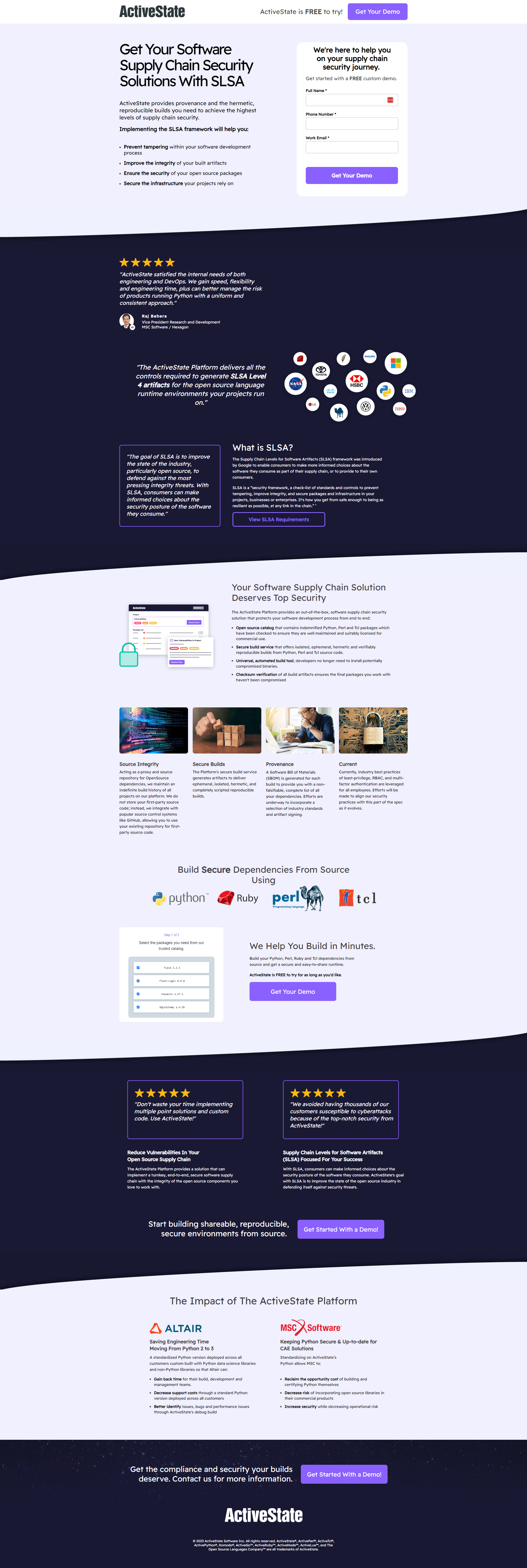
B2B
SaaS

Supply Chain Security

Lead Gen
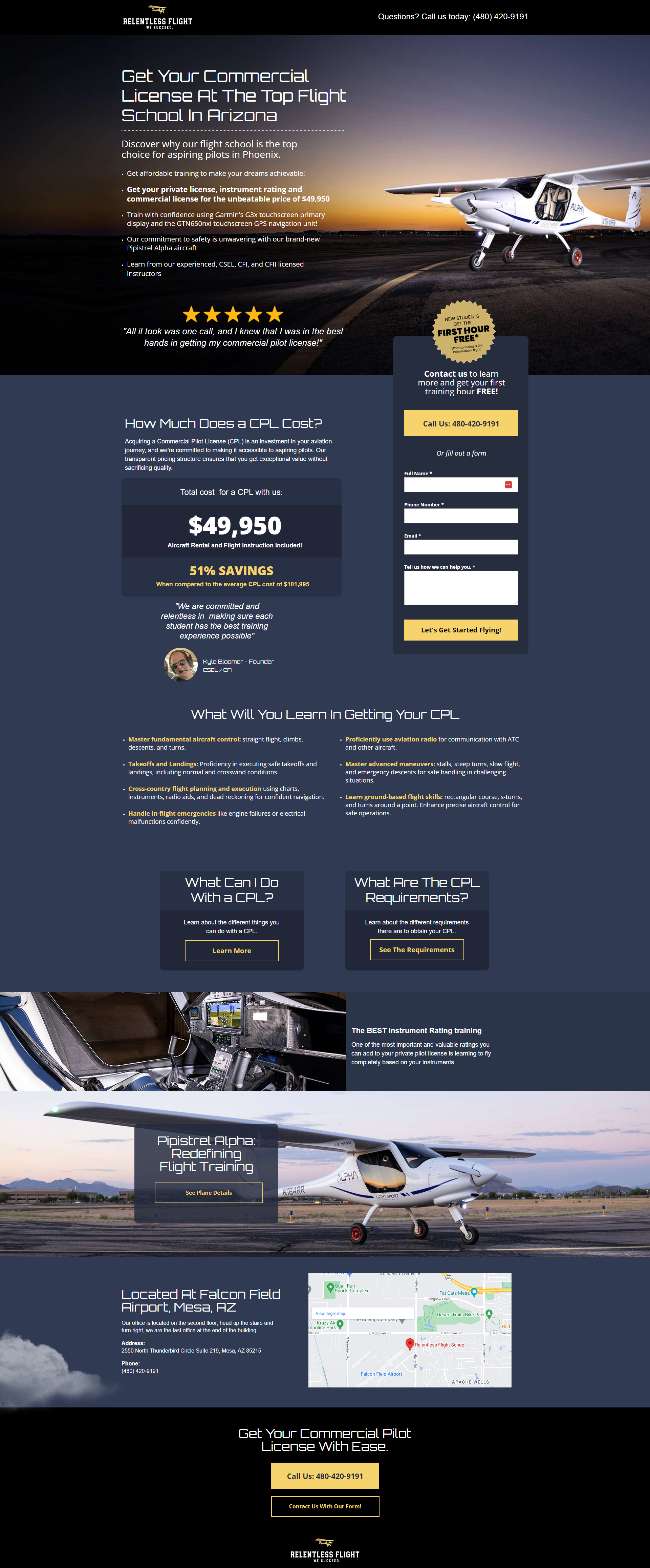
B2C
SaaS

Flight School

Lead Gen
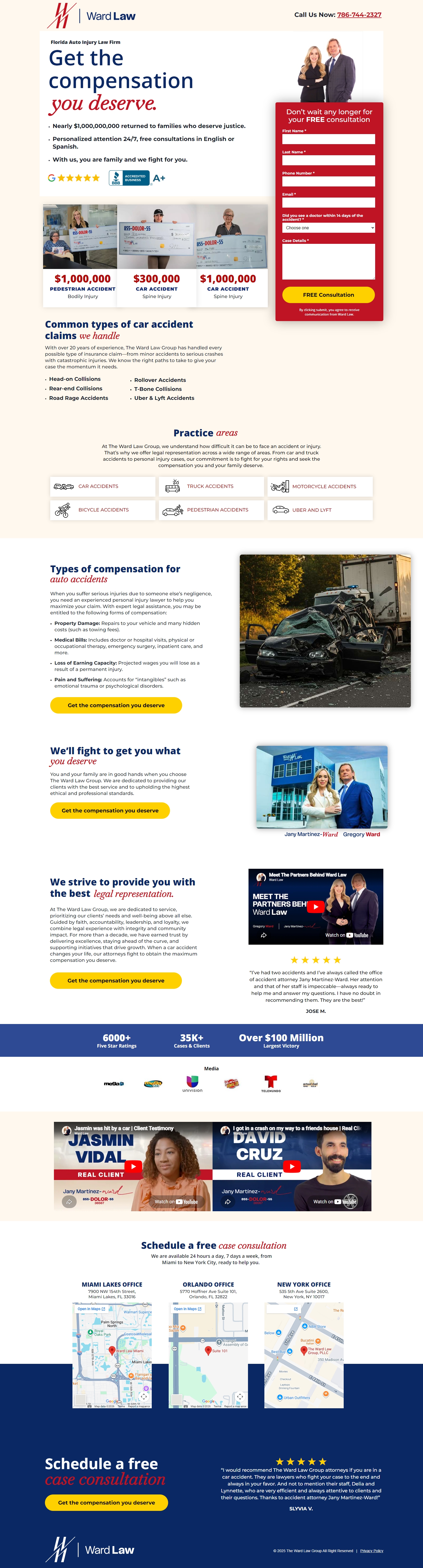
B2B
SaaS

Personal Injury

Lead Gen
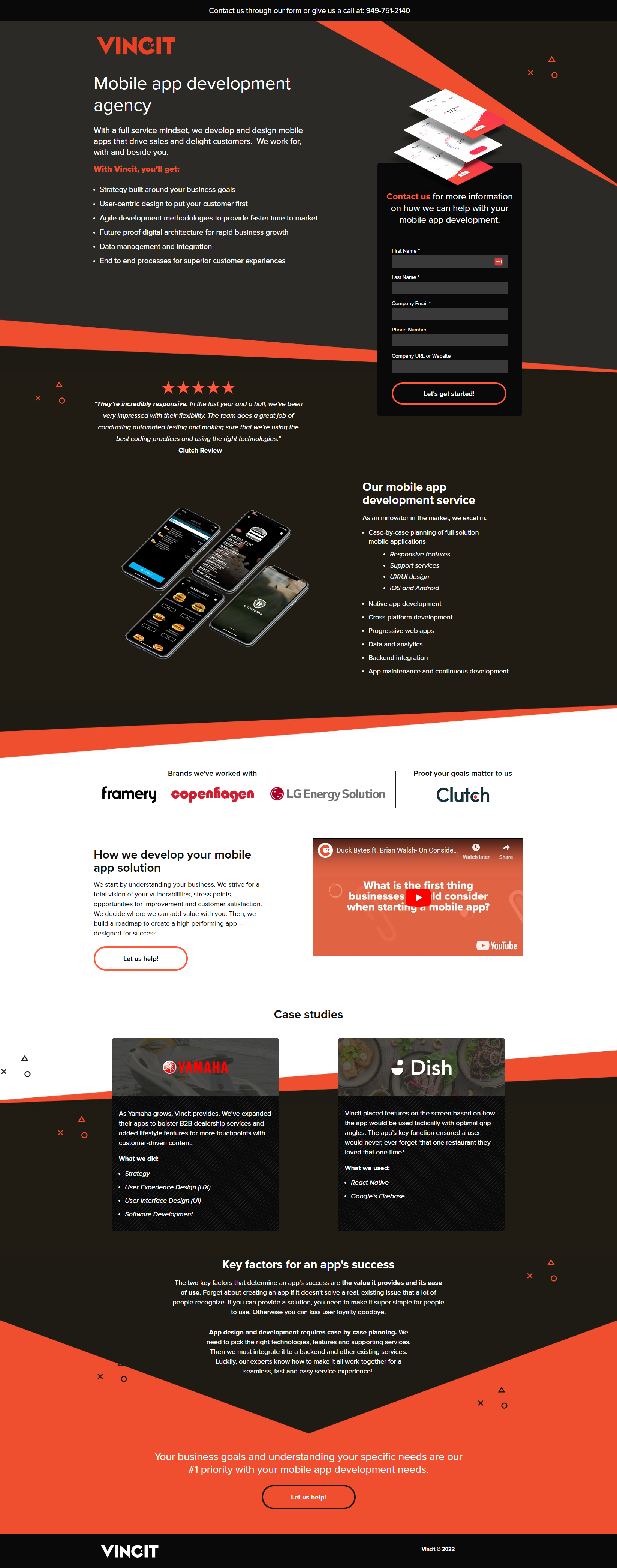
B2B
B2C
SaaS

App Development

demand Gen

B2B

Embroidery Machines

Other Designs

Industries I've Worked In

Professional
Services
Law Firms
Insurance Broker
Real Estate: Home
Real Estate: Land
Consulting
Medical
& Health
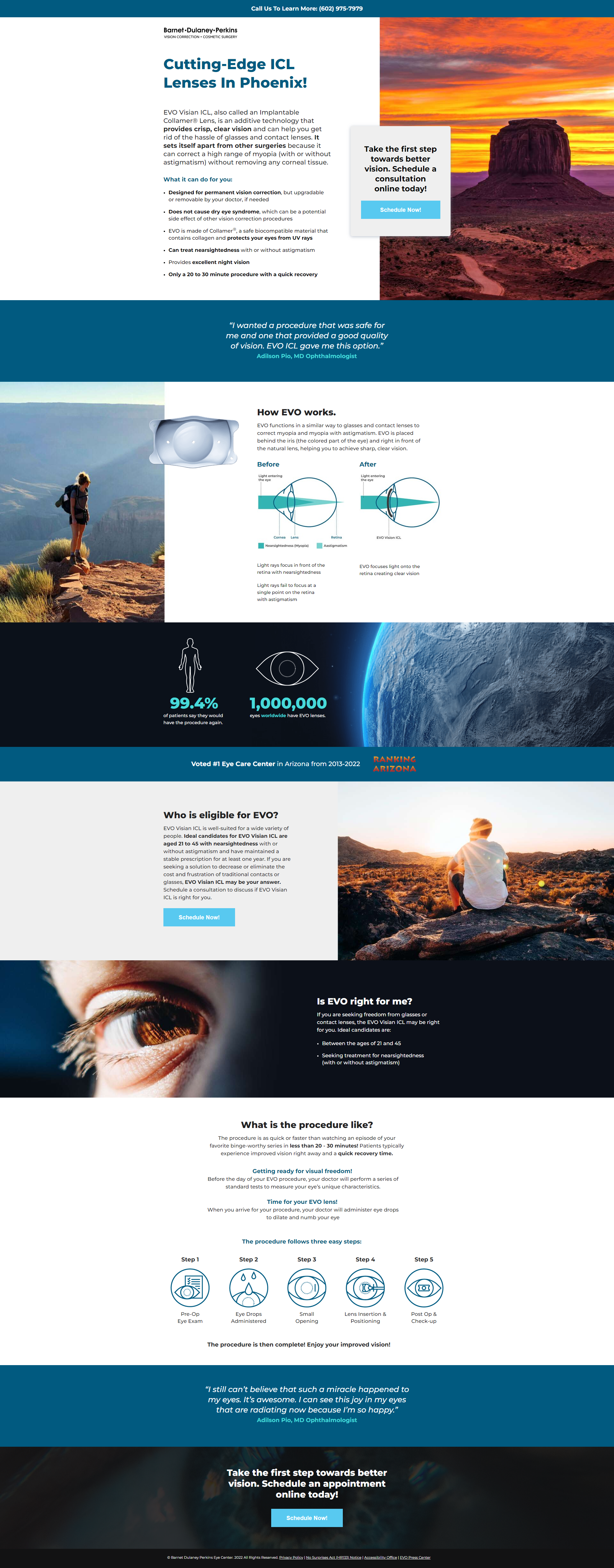
Eye Care
Urgent Care
Dentists
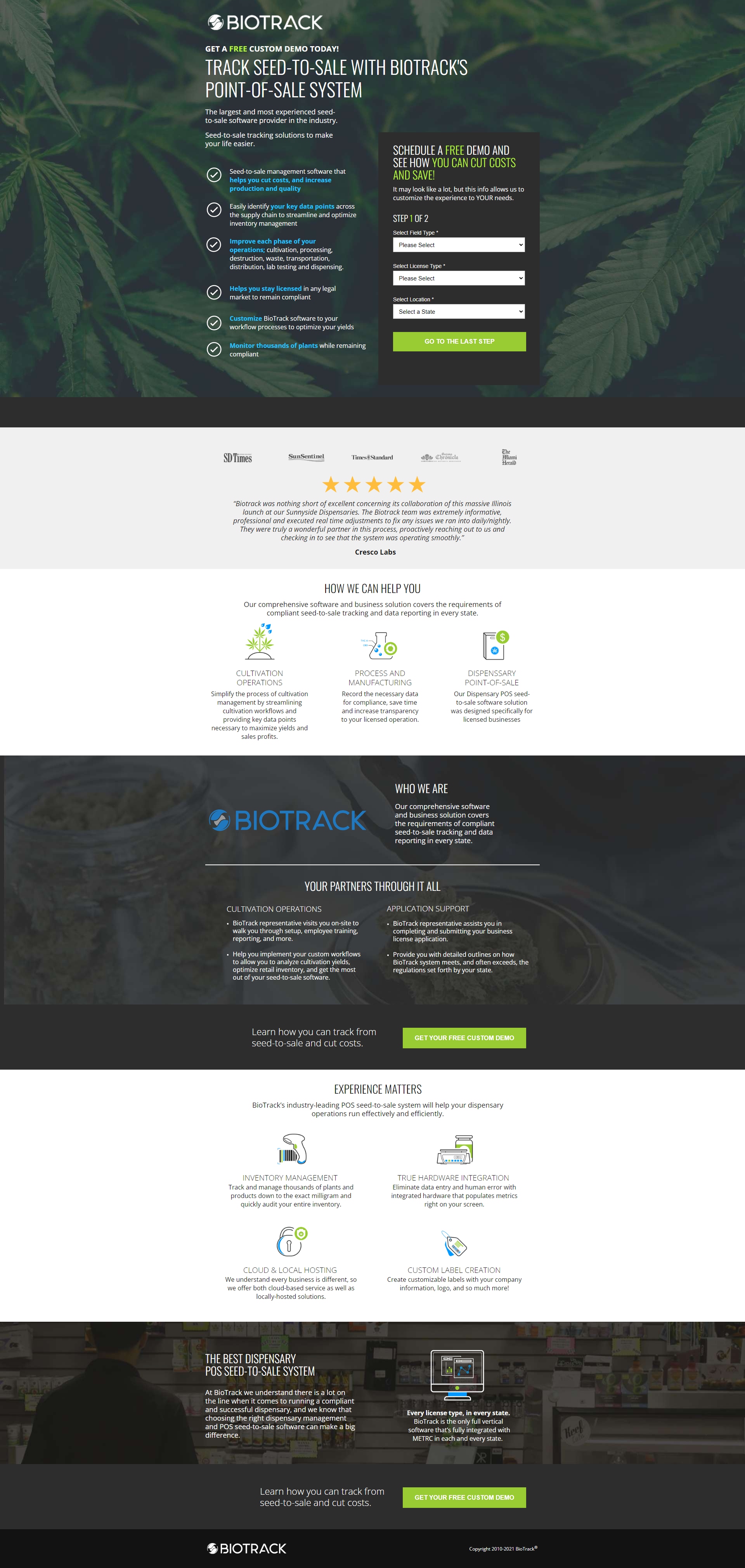
Cannabis
Pharmaceutical
Home & Trade Services
Plumber
HVAC
Roofer
Painter
Solar
Automotive
& Fleet
Detailing
Tires
Car Washes
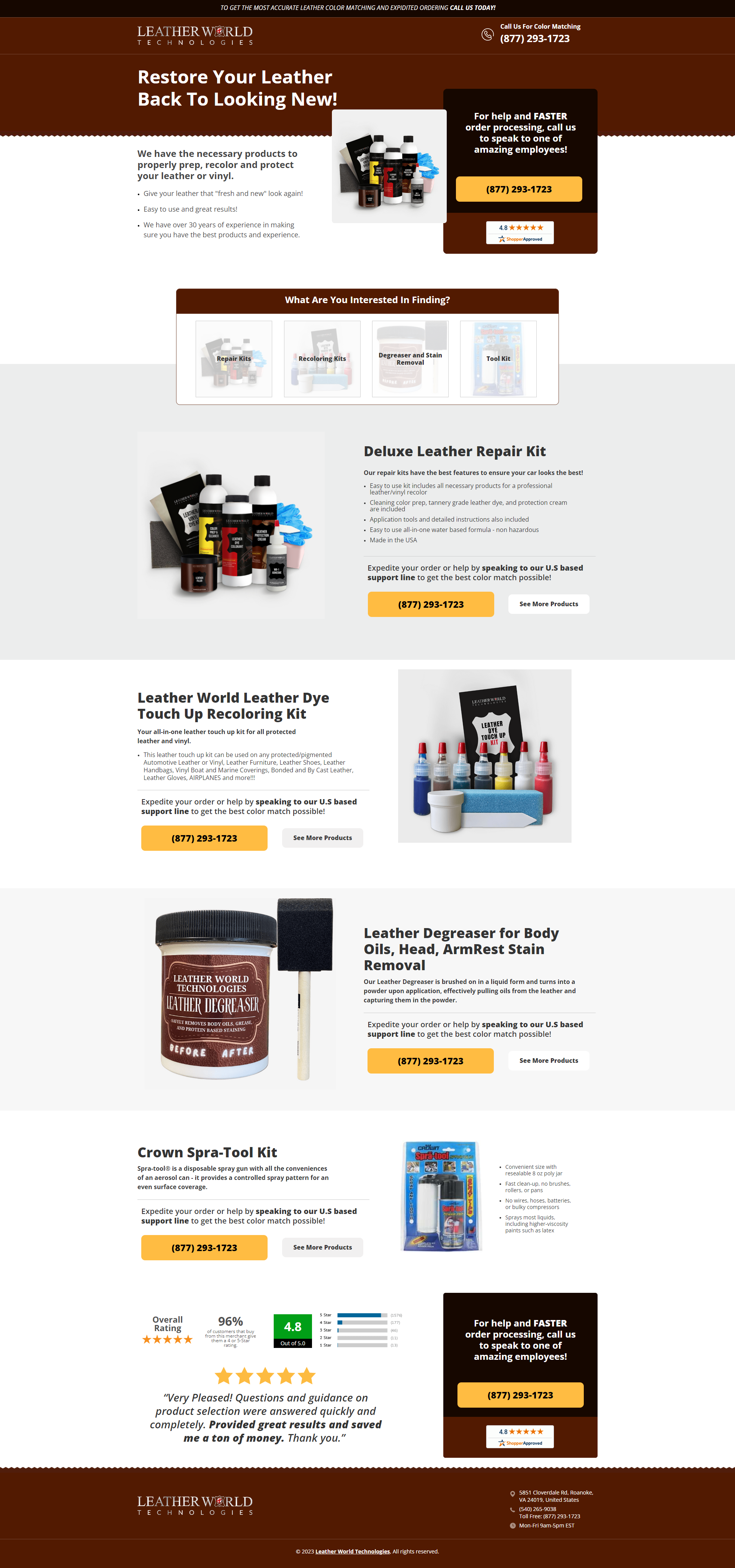
Fleet Tools
Education
& Training
Higher Education
Flight School
Medical Certification
SaaS
& Tech
B2B SaaS
Developer Tools
Cybersecurity
AI Tools
IT
Fintech
E-commerce
& Retail
DTC Product
Subscription Box
Beauty/Skincare
Supplements
Pet Products
Outdoor & Leisure
Home & Wellness
Food
& Hospitality
Catering
Event Venue
Wedding Services
Finance
& Fintech
Personal Loans
Business Loans
Home Loans
Payroll Services
Construction
& Real Estate
Home Builder
Interior Design
Staging: Art Interior
Events & Entertainment
Event Planning
Conference/Expo
Nonprofit & Government
Government SaaS
Fitness
& Wellness
Gym
Nutrition
Manufacturing
& Industrial
Signage
Printers
Logistics/Freight
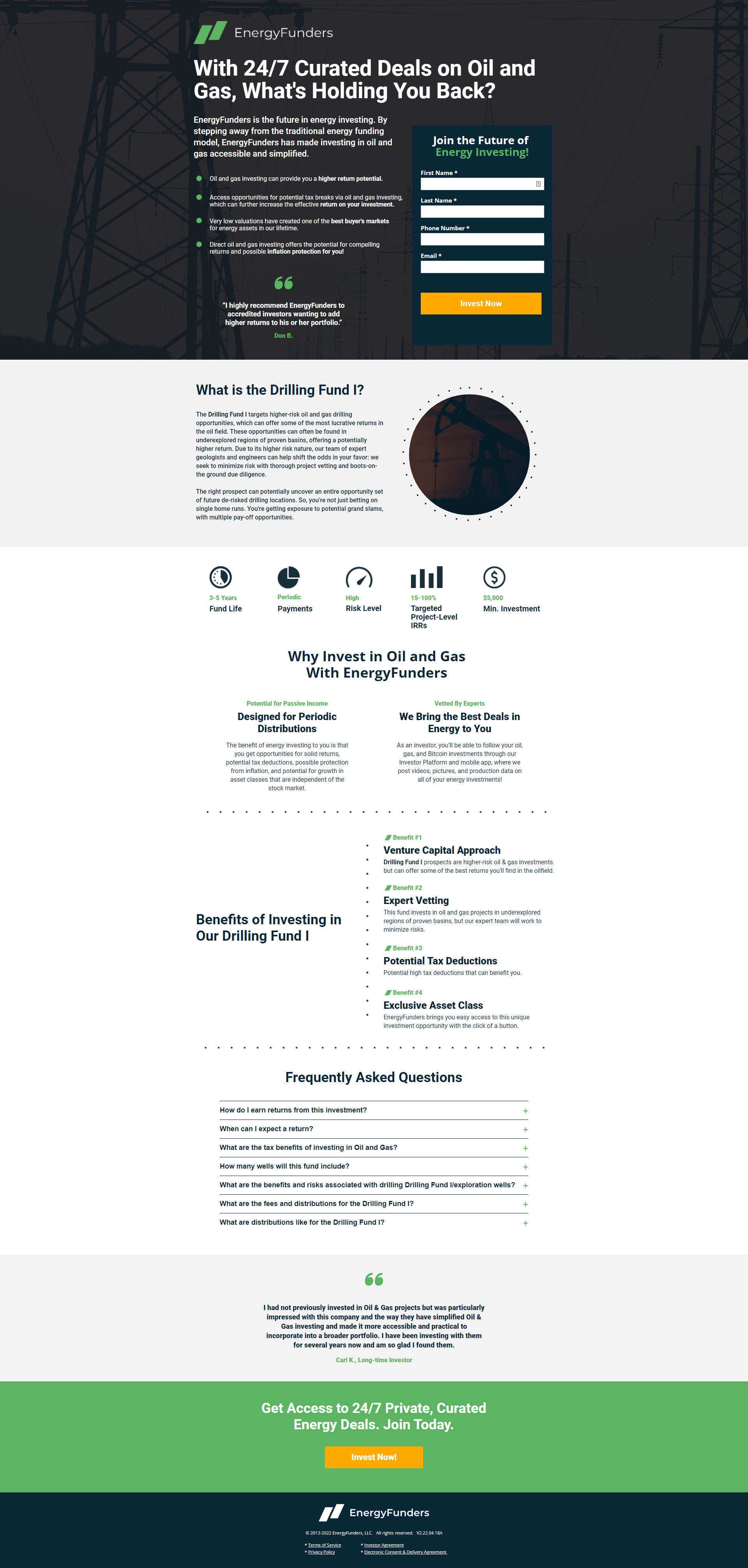
Energy: Oil
B2B Life Sciences

Testing

A good test starts with a hypothesis, not a hunch — every experiment below is designed to move a specific metric, not just see what happens.
Due to NDAs and client confidentiality agreements, only a fraction of this work is shown. The projects here are representative of a broader range of industries, budgets, and objectives.

Multi-Step Form Optimization

B2B
B2C
SaaS

ColDesi

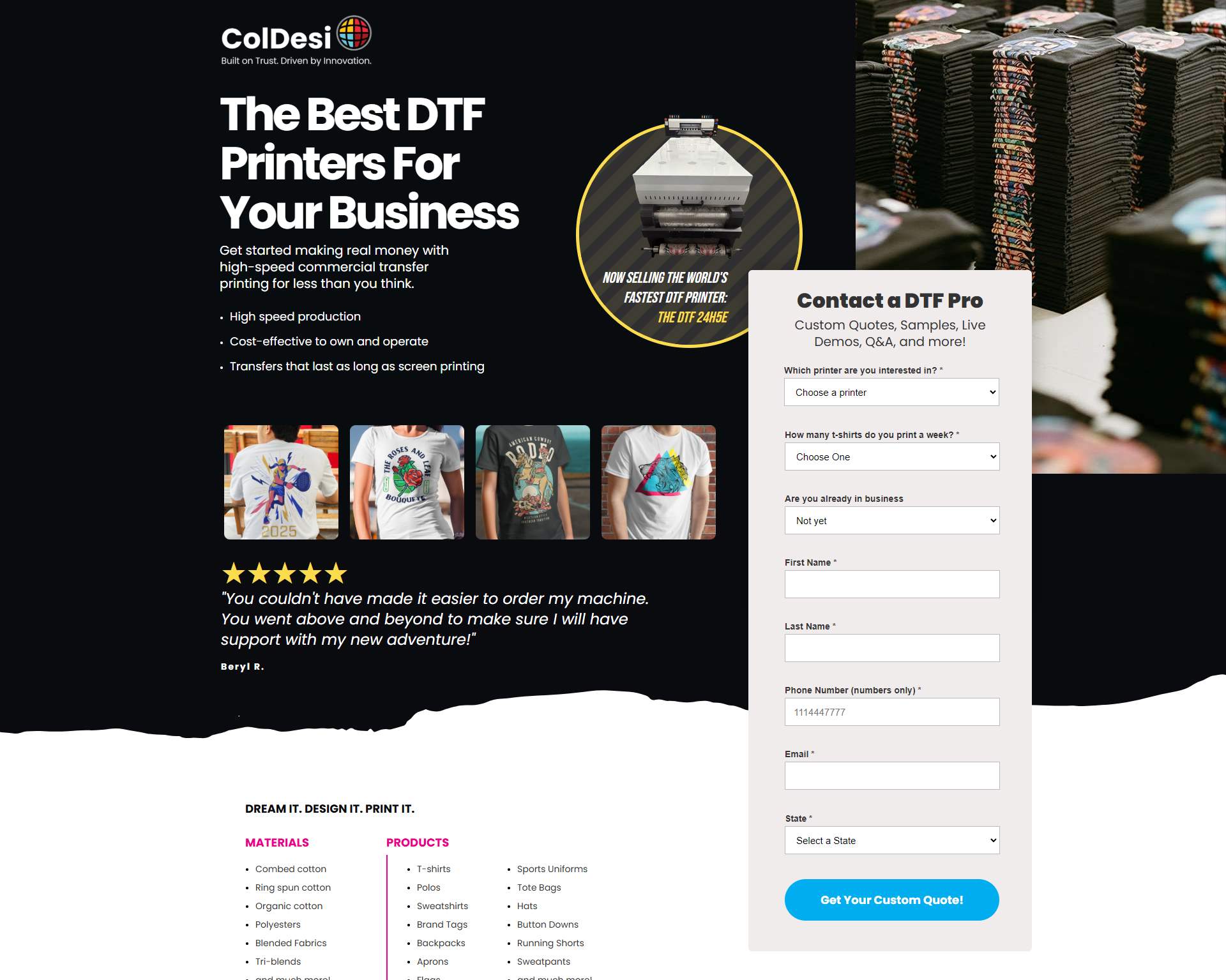
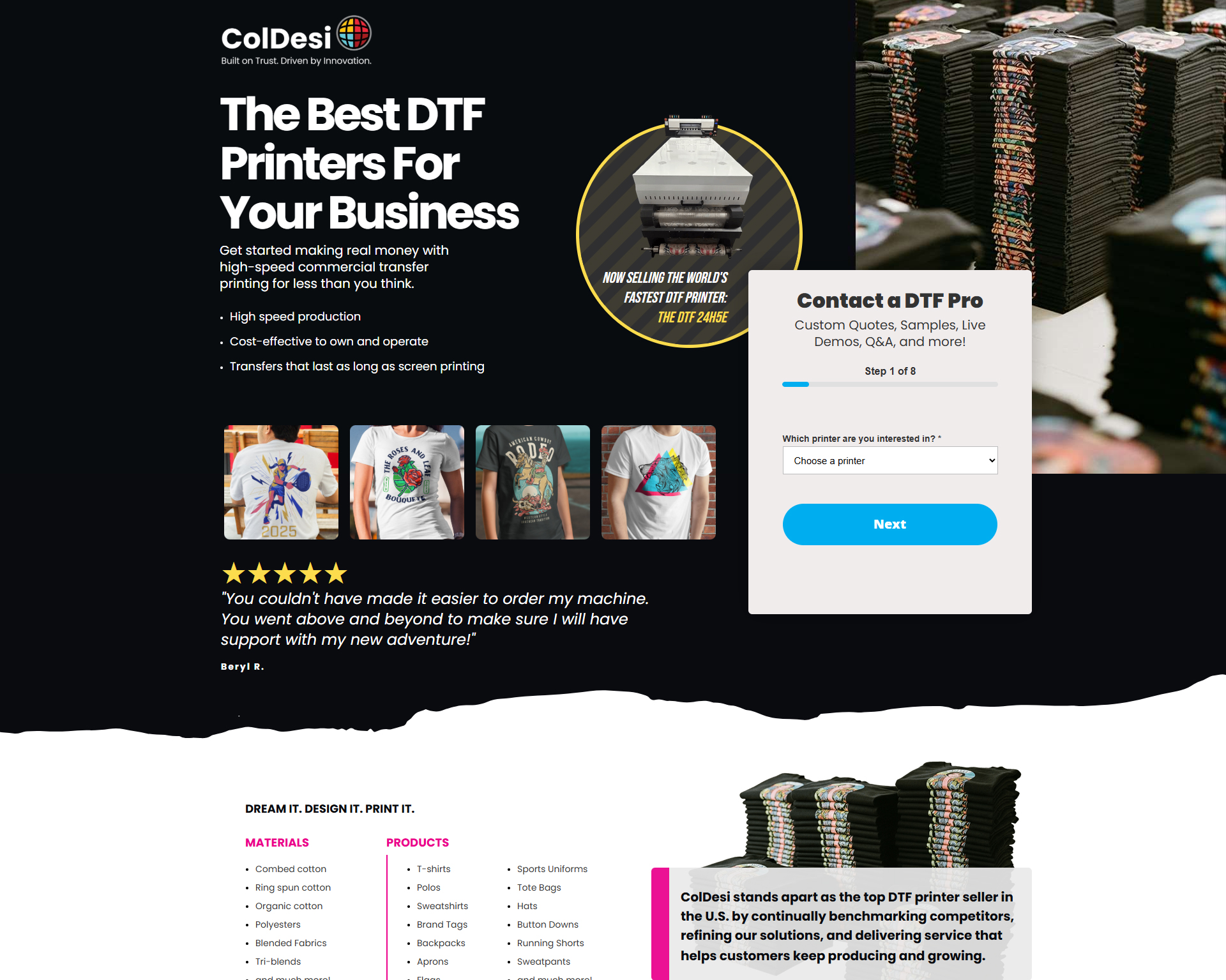
Heatmap click data shows significant user friction on the form. By testing a multi-step lead form against the existing single-page form to reduce perceived effort, improve completion rates, and increase qualified lead generation from paid media traffic.
Hypothesis
If we replace the existing single-page form with a multi-step form, then more paid media visitors will complete the form because breaking the process into smaller, more manageable steps reduces friction and cognitive load and ultimately resulting in an increase in form fills. 
Results Range

+30-40%

Conversion Lift (Form Fills)

23-29%

Drop in CPL

CPA

Increase in CPA

Future Tests Based On Results
  • Experiment with different step orders (e.g., contact information first vs. business needs first) to identify the highest-completing flow.
  • Test adding trust elements—such as customer logos, security messaging, or a progress indicator—throughout the form to further reduce abandonment.
What We Learned
By breaking the form into smaller, sequential steps, visitors perceived the process as quicker and less overwhelming, reducing cognitive load and form abandonment. Heatmap analysis also showed users progressed through the form with fewer hesitation points and unnecessary clicks, providing behavioral evidence that the streamlined experience reduced friction and encouraged more completions.
Variant Comparison
Control (A)
Variant (B)

Tests I've Run

Headlines & Copy
Body copy length — long form vs. stripped back
Benefit-led vs. problem-led headline
Urgency copy
Benefit vs features bullets
Form headline copy
Button copy
Privacy micro-copy
Form Design & Friction
Number of form fields
Field order
Single step vs. multi-step form
Inline form vs. modal/popup form
Optional vs. required fields
Progress bar on multi-step forms
Button color and size
Call to Action
CTA placement
Single CTA vs. dual CTA
Click-to-call button prominence
Primary CTA framing
CTA repetition
Social Proof
Review placement
Star rating display vs. written testimonials vs. both
Photo testimonials vs. text only
Number of reviews shown
Logo bar placement
Case result callouts
Video testimonial
Google Reviews
Trust & Credibility
Trust badges
Credentials placement
Awards and certifications
Team photo vs. no team photo
Money-back or satisfaction guarantee
License/accreditation numbers
Page Layout & Structure
Hero layout — centered vs. split
Form position
Long form page vs. short focused page
Section order — social proof before or after features
Sticky header with CTA vs. static header
Visual hierarchy — image-heavy vs. copy-heavy
White space — dense vs. open layout
Media & Visual
Hero image vs. hero video
Real photography vs. stock photography
Real photography vs. illustration
Before/after imagery
Map or location visual for local businesses
Page Speed & Technical
Lazy loading vs. eager load on images
Javascript editing
Spread out layout
Compressed vs. uncompressed assets
Mobile-Specific
Sticky click-to-call bar on mobile vs. none
Tap-to-call vs. form as primary mobile CTA
Condensed mobile form vs. full form
Mobile hero image vs. no image
Call button location: top vs bottom
Font size and button tap target size
Offers & Framing
Free consultation vs. free audit vs. free quote
Discount or incentive present
Outcome-focused offer vs. process-focused offer

See a Fit for Your Team?